
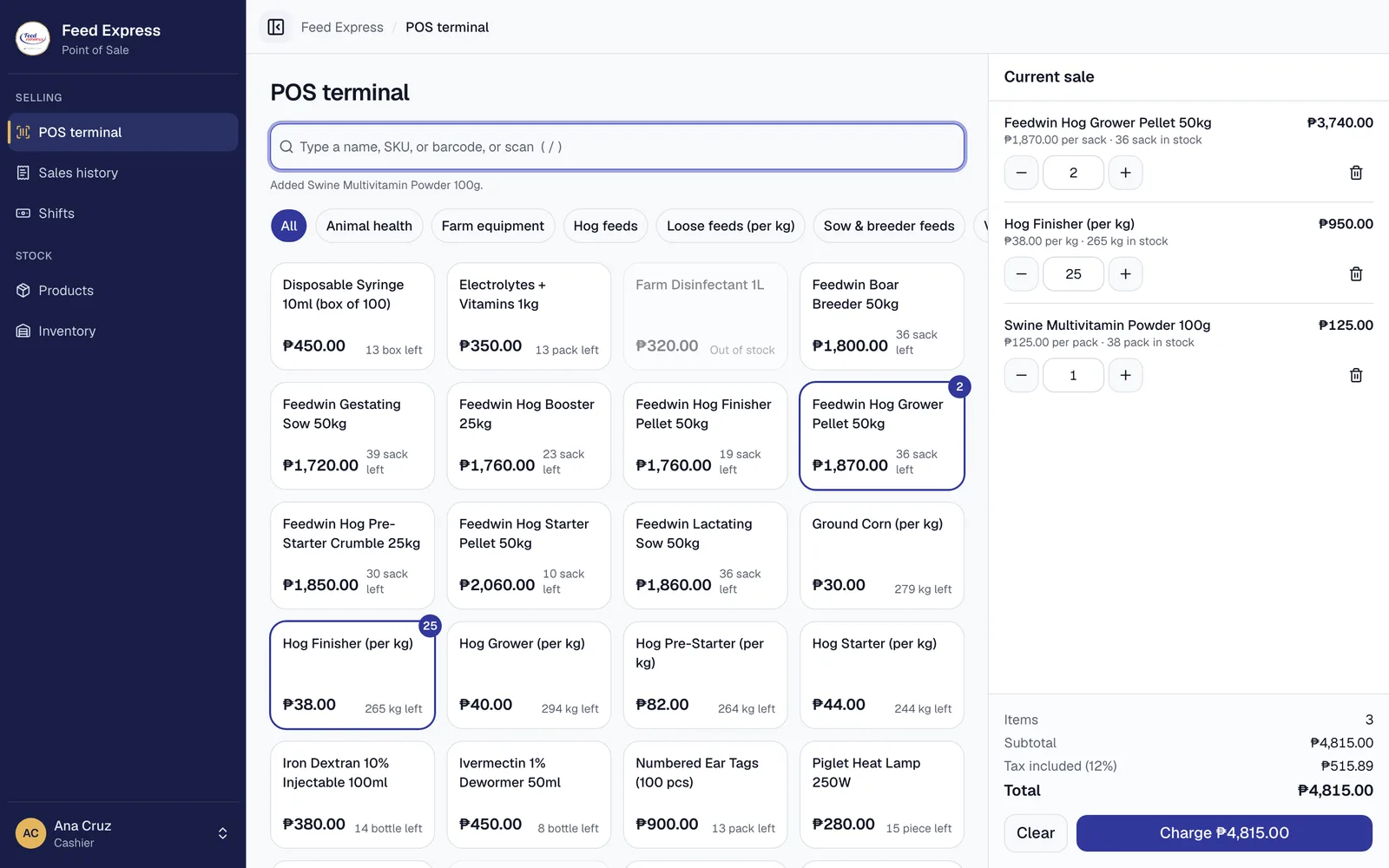
- to ring up a sale
- Seconds
- to ring up a sale
- sold and stocked correctly
- Sacks + kilos
- sold and stocked correctly
- with CSV export
- 8 reports
- with CSV export
- on the audit trail
- Every change
- on the audit trail
Features
Everything the counter and the stockroom need
Built around how a feed store works: heavy sacks, loose feed by the kilo, suppliers on schedule, and cash that has to balance every night.
Fast checkout, scan or type
Scan a barcode, type a name or SKU, or tap a product. Type 25 for 25 kg. Ctrl+Enter charges the sale.
Sacks and kilos
Sell feeds by the sack or loose by the kilo, with stock tracked in the unit you sell.
Inventory you can trust
Every stock change is recorded. Low-stock alerts, damaged goods, and weighted average cost.
Purchasing and deliveries
Purchase orders to your suppliers, partial deliveries, rejected units, and reorder suggestions.
Cash shifts that balance
Open each drawer with a starting float, record pay-ins and pay-outs, and close with a blind count.
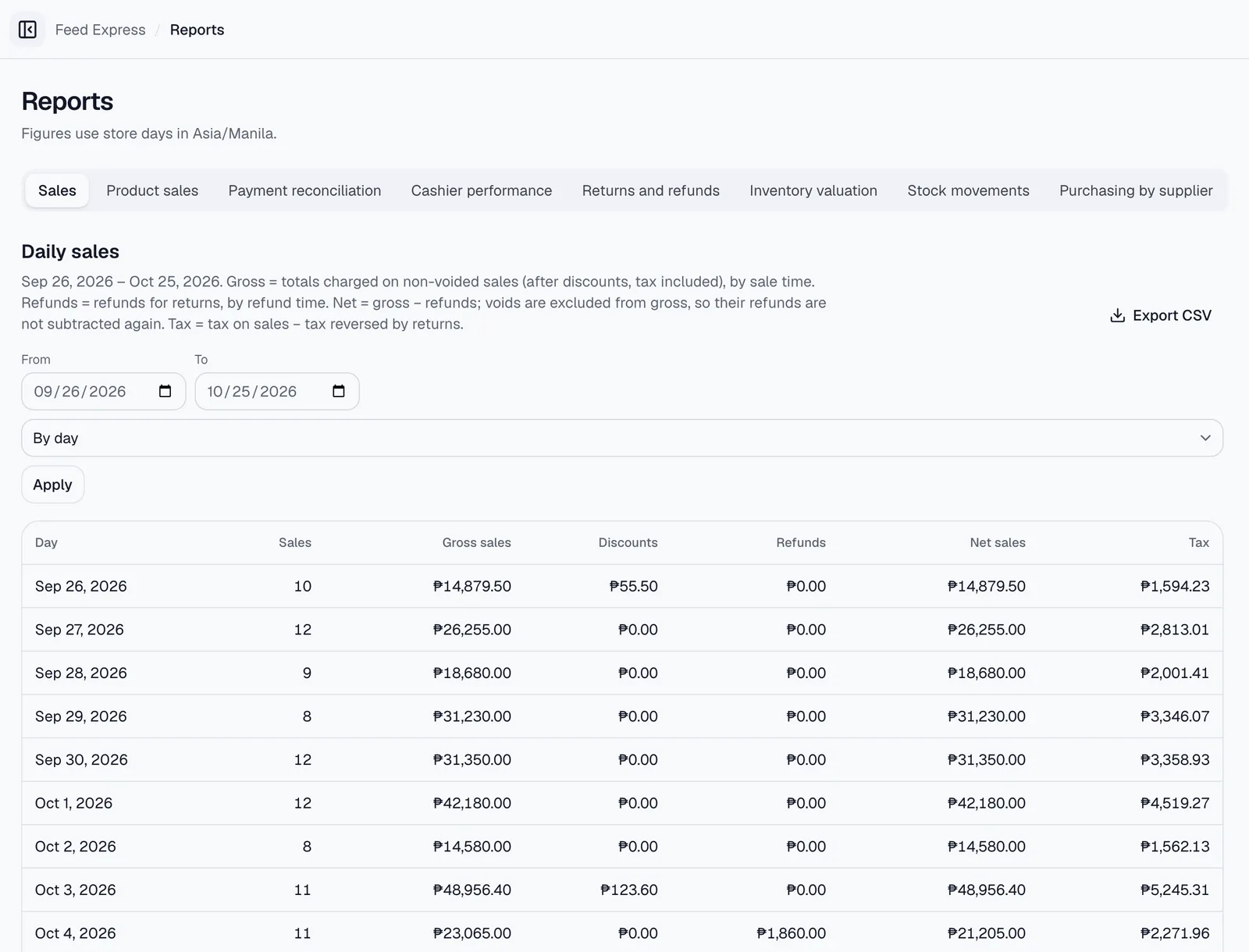
Reports and a live dashboard
Daily sales, product performance, payment reconciliation, cashier results, and CSV exports.
Reports
Know your numbers without a spreadsheet
Gross and net sales, discounts, refunds, and tax for any day or month, with clear definitions on every report.
- Daily and monthly sales that reconcile to the peso
- Top products, stock valuation, and movement history
- Payment reconciliation for cash, GCash, and card
- Cashier performance and drawer over/short
- Export any report to CSV
Any device
The counter, the stockroom, or the delivery truck
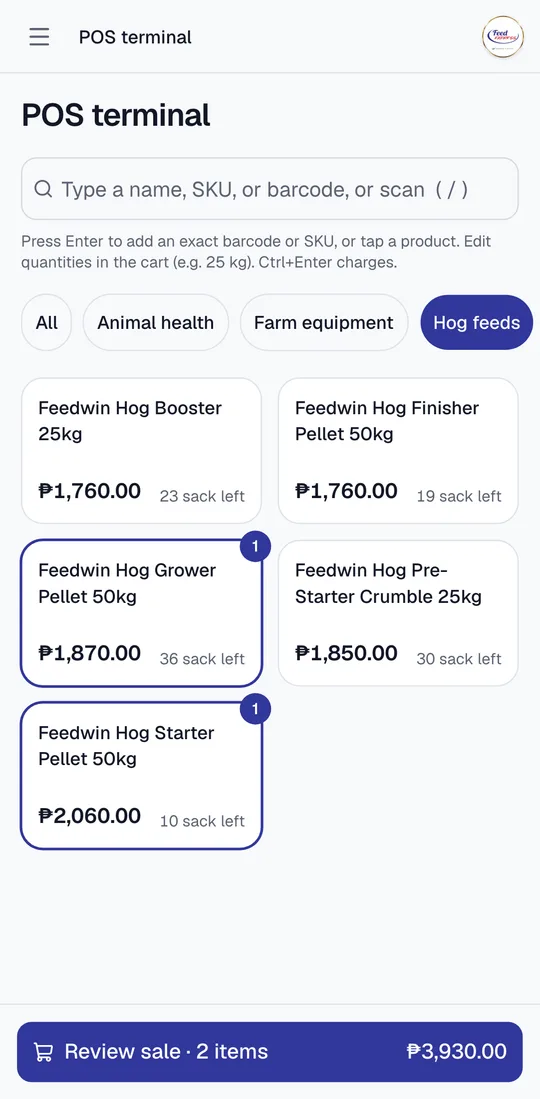
The same system on a desktop at the counter, a tablet in the warehouse, or a phone in your hand. Large touch targets, keyboard shortcuts, and screens that fit.
Made for touch
Big buttons and a one-tap cart on phones.
Receive anywhere
Record deliveries as they come off the truck.
One account each
Staff sign in with their own roles.
Bring your catalog
Import products from a CSV file.
How it works
A whole day at the counter, in three steps
Every sale belongs to a cash drawer, so the money always adds up.
Step 1: Open your drawer
Count your starting cash and open a shift in seconds.
Step 2: Sell all day
Ring up sacks, kilos, and supplies; take cash, GCash, or card.
Step 3: Close and reconcile
Count the drawer; the system shows what was expected and why.
Security
Your records stay accurate and private
Sales, stock, and cash are recorded once and never quietly rewritten.
Role-based access
Owners, managers, cashiers, and inventory staff each see only what their job needs.
Complete audit trail
Sales, returns, voids, price changes, and settings are logged with who and when.
Secure sessions
Encrypted, HttpOnly sessions that end after inactivity, with sign-in attempt limits.
Backed up and recoverable
Database backups with a tested restore procedure, so a bad day never loses your records.